Watch: subtitles & video
Maps to the manual “Player → Watch”.
Floating subtitles
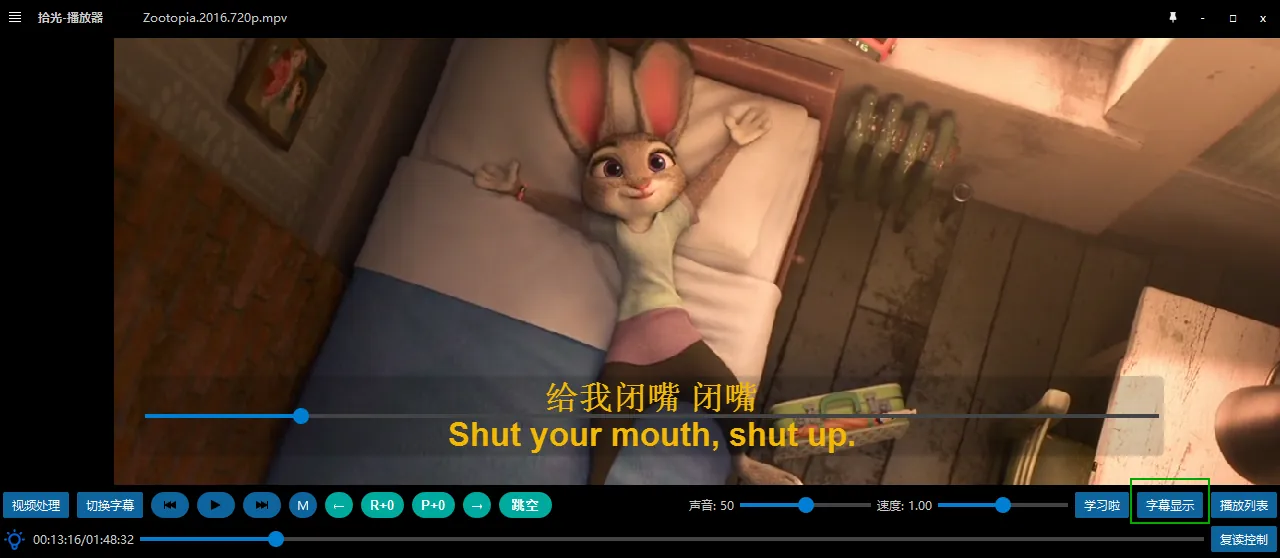
- Open: “Subtitles”
- Resize:
Ctrl + Mouse wheel - Toggle colors: double-click subtitle area (Ctrl+double-click for the “right” cycle)
- CN/EN toggle:
Ctrl + (left/right) double-click - Drag to move; adjust background opacity with the slider
Study pane
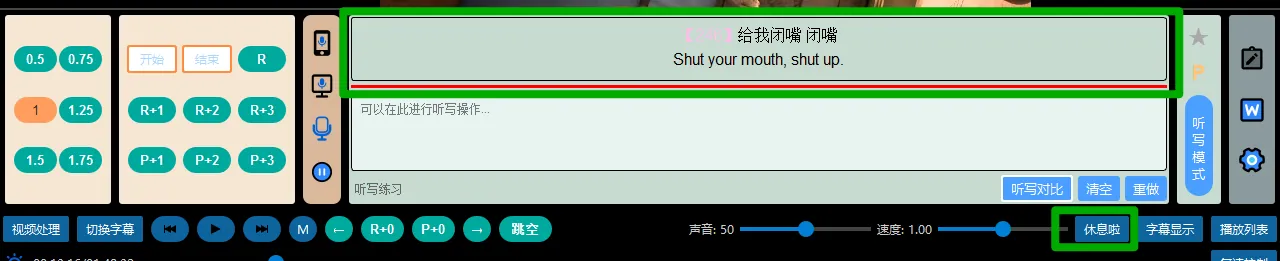
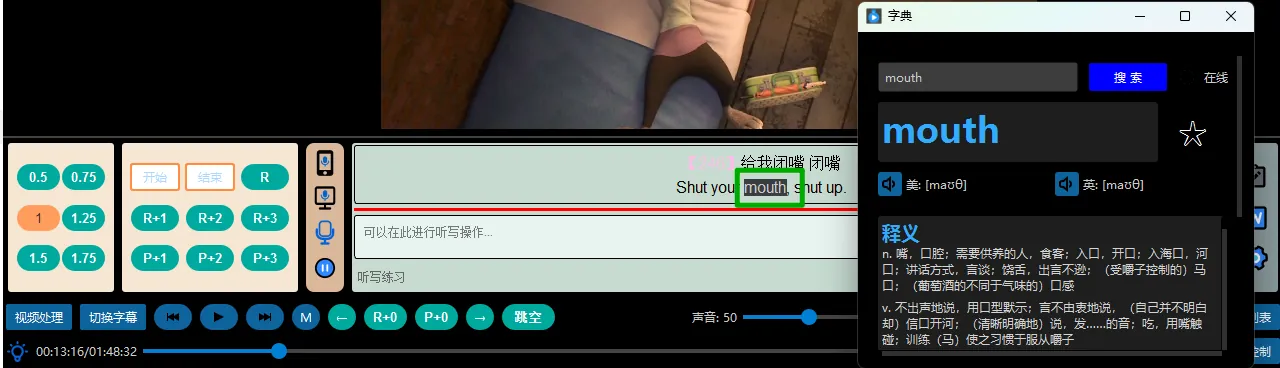
- Open: “Study”
- Select a word to open the dictionary
- Toggle bilingual display and font size in settings
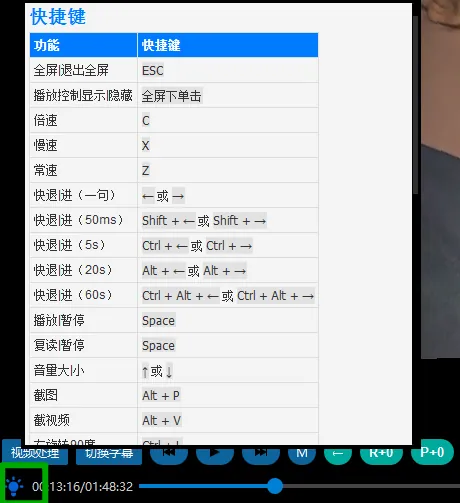
Video controls
- Fullscreen:
ESC - Screenshot:
Alt + P(saved toscreenshots) - Clip capture:
Alt + V(saved tosegments)